 Julien Reszka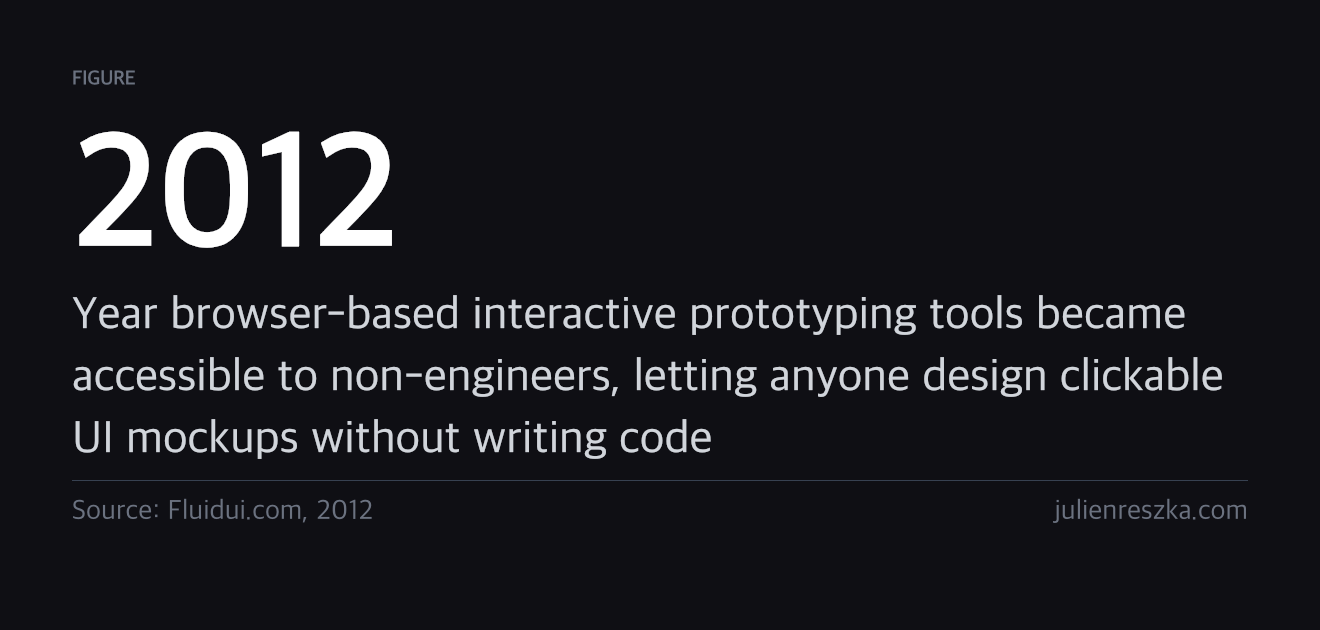
I found Fluidui this month and I have spent the last week making mockups of things I want to build.
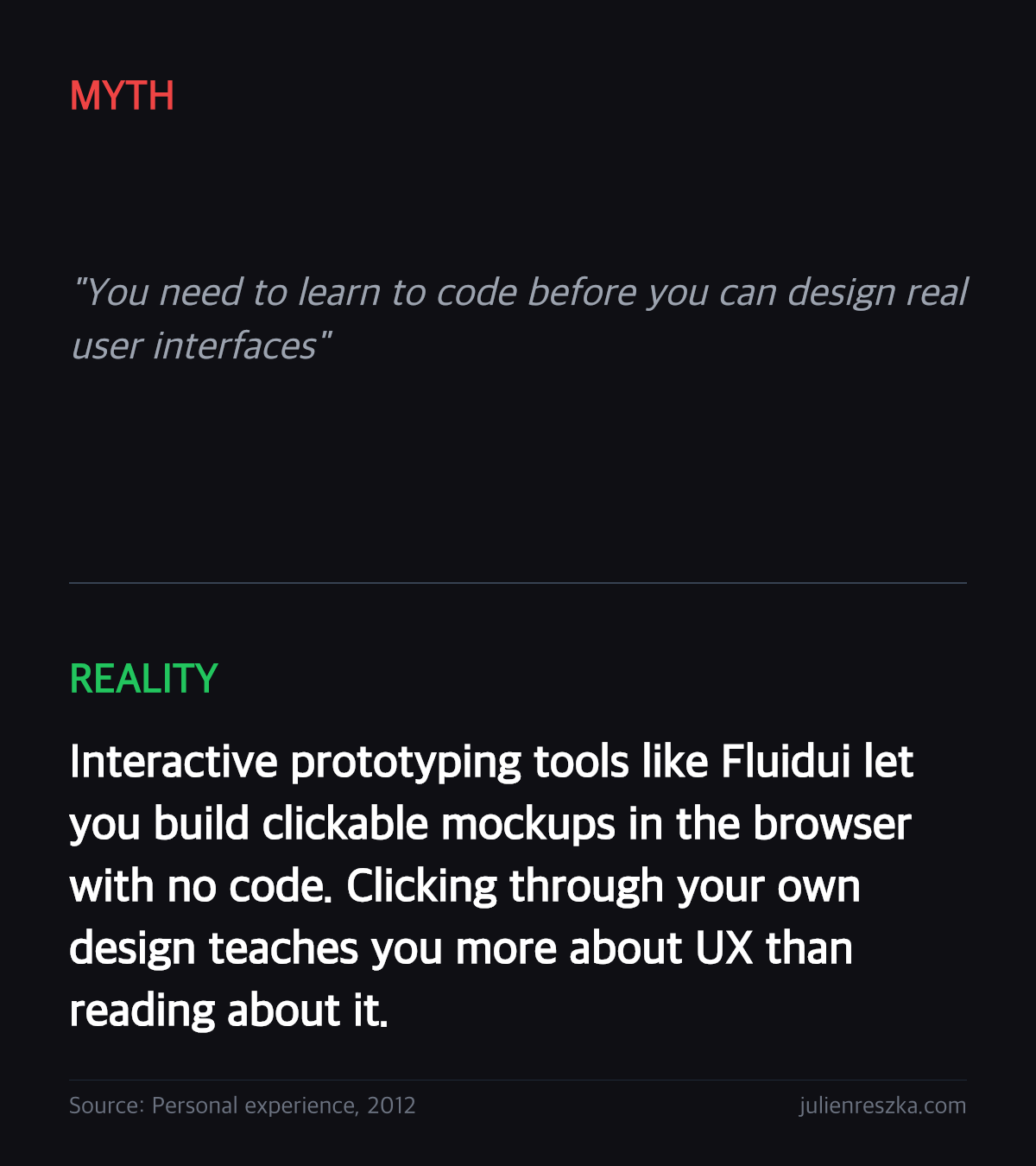
The thing that changed my approach was interactivity. Every mockup tool I had used before produced a static image. You could look at it but not touch it. Fluidui lets you link screens together so that pressing a button actually navigates to the next screen. You click through the design the same way a real user would.
That gap between looking at a design and clicking through it turns out to be enormous. The moment I made my first tap target too small and had to reach for it with my thumb on a phone preview, I understood responsive design differently than I had from reading about it.
What I learned from the first week:
- Static mockups lie. You think you understand the layout until you try to tap the button you drew.
- Showing someone a clickable prototype gets a real reaction. Showing a screenshot gets a polite one.
- The fastest way to know if an idea works is to make it clickable and hand it to someone.
- You find the broken transitions first. Navigation problems are invisible on paper.
- Free tools have feature limits that force good decisions. Constraints on screen count made me cut.
I do not know yet if I want to become a UI designer professionally. But I know that building mockups and clicking through them has taught me more about how interfaces work than anything else I have tried. The tool is free. The feedback is immediate. There is no reason to wait.
Discussion